

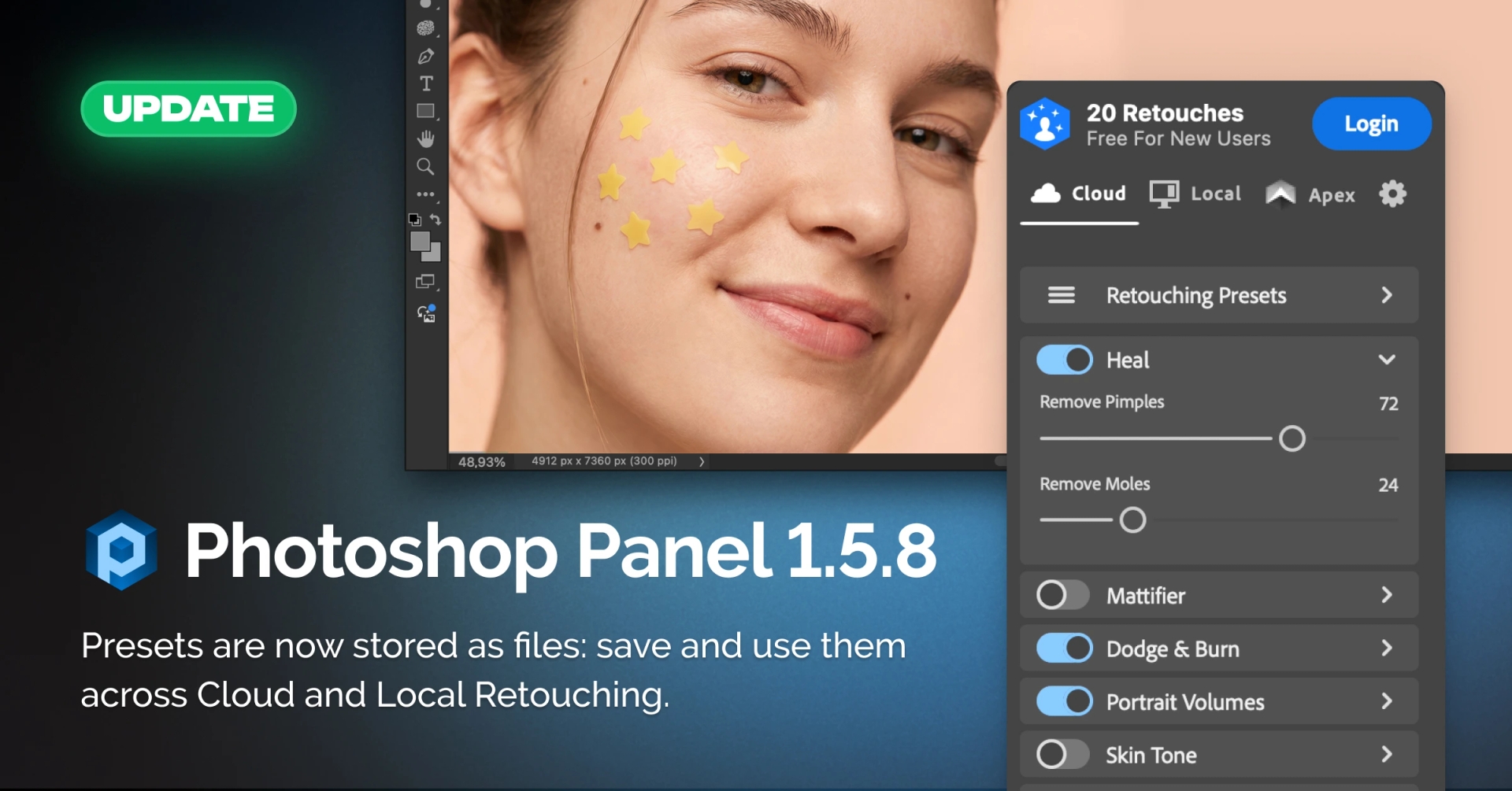
The latest version of Retouch4me Panel for Photoshop brings a new way to store and manage presets. Presets are now saved as files, so you can create and keep as many presets as you need for different shoots and retouching tasks.
What’s new:
- Presets are now stored as files. Save and keep multiple presets and use them whenever needed.
- Presets can be loaded into both retouching sections: Cloud and Local.
- Mode-specific settings are handled automatically. When loading a preset, any parameters that differ between Cloud and Local Retouching are set to their default slider and toggle states for the selected mode.
This makes it easier to manage presets for different shoots and switch between Cloud and Local Retouching without adjusting mode-specific settings manually each time.