

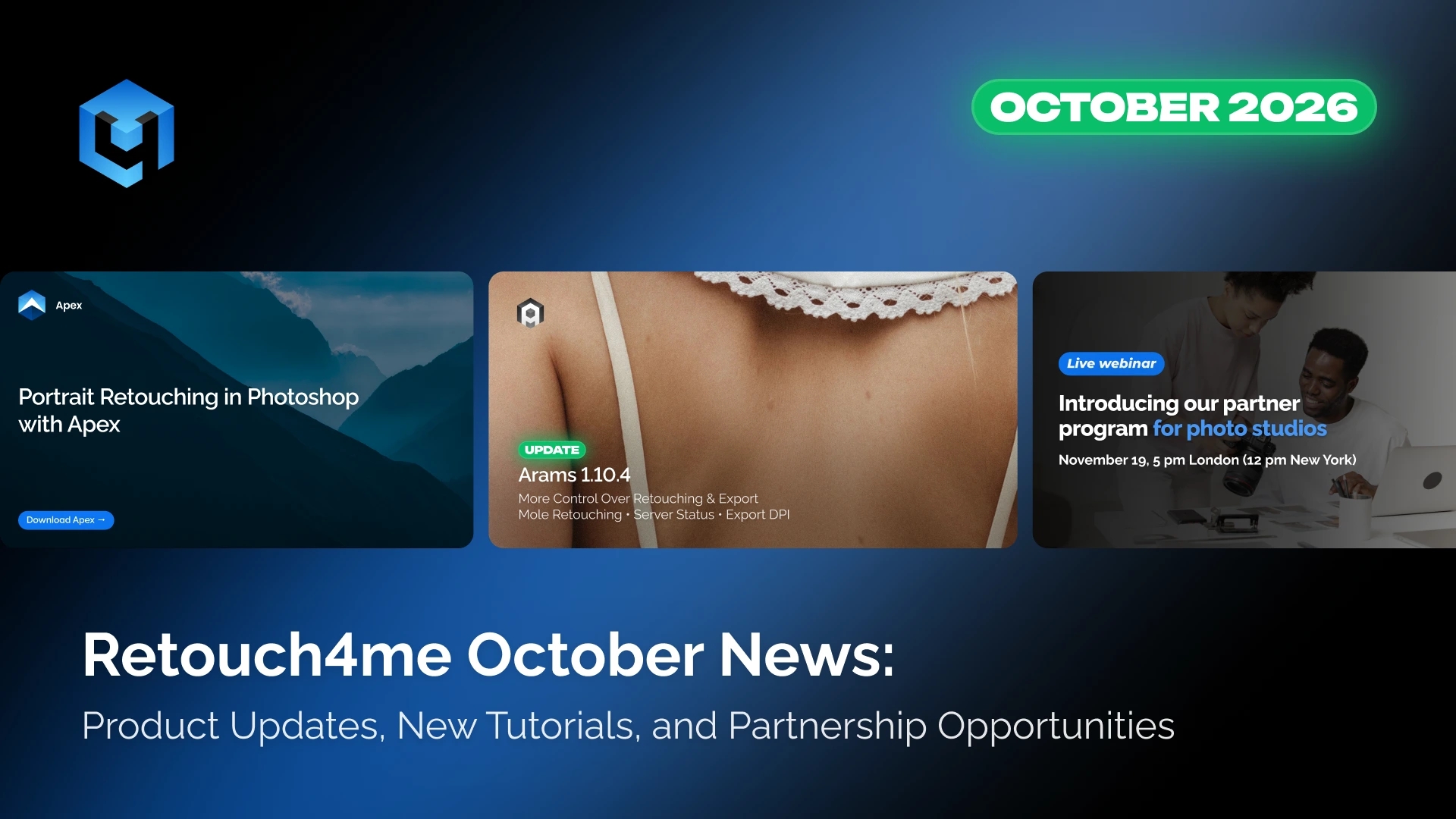
October brought several updates and new opportunities for the Retouch4me community. We’ve released improvements to Arams and Retouch4me Dust, published new educational videos for photographers, and introduced partnership opportunities for individual photographers and photography studios.
Here’s a closer look at what’s new.
Retouch4me Product Updates
October brought updates to Arams and Retouch4me Dust, with improvements to retouching settings, photo export, and automatic dust removal.
Arams 1.10.4: More Retouching and Export Controls
Arams 1.10.4 introduces several improvements to retouching settings, export options, and cloud connectivity.
Here’s what’s new:
- Mole and bindi settings in Heal. You can now adjust how strongly the cloud-based Heal tool affects moles and bindis, making it easier to preserve distinctive features when needed.
- Server connection check. Connection status is now visible in the interface. If the connection is unstable, you can run a check and reconnect to the most accessible server.
- DPI settings during export. Specify the required resolution when preparing photos for print.
- Updated export history. Managing completed and previous export tasks is now more convenient.
- Improved filtering and sorting interface. Several interface elements have been updated to match Arams’ overall design.
Retouch4me Dust 1.212: Improved Dust Removal
Retouch4me Dust is a neural-network-powered plugin that automatically removes dust and small particles from product photographs.
Version 1.212 introduces a new live model for more accurate dust removal. Performance on macOS has also been optimized, making photo processing faster on Mac computers.
The update is available automatically, including for users who have already purchased Dust.
Learn more about Retouch4me Dust
New Photography Tutorials
In October, we released three educational videos covering portrait retouching, cropping techniques, and studio photography. Each video features practical advice and demonstrates ways to make everyday photography workflows more efficient.
Portrait Retouching in Photoshop with Retouch4me Apex
Learn how to streamline portrait retouching in Photoshop with Retouch4me Apex.
The video demonstrates the built-in retouching tools, detailed settings for moles and bindis, face lifting, batch processing, and HEIC/HIF support. It also covers Generative Retouching, where each generated edit is saved on a separate layer.
Common Cropping Mistakes Photographers Make and How to Fix Them
Photographer Olusola Abisagbo, who delivers up to 800 images from a single event, explains how cropping affects composition and the way viewers perceive a photograph.
The video covers:
- Common cropping mistakes.
- How much space to leave around the main subject.
- Working with different aspect ratios.
- Presets for cropping entire galleries.
- Maximum and Subject modes.
- When automatic cropping can save time and when manual adjustments are the better choice.
Three Studio Lighting Setups for a Small Studio
Photographer Jakub Kaźmierczyk demonstrates three lighting setups that work even in a compact studio.
Using a session of 55 portraits as an example, he shows how to reduce post-production time from more than nine hours to a single batch-processing session.
The video covers three lighting setups, photo culling and retouching in Arams, and final adjustments in Photoshop.
Watch the studio lighting tutorial
Retouch4me Partner Program: Earn 15% on Purchases
Retouch4me users can recommend our tools to other photographers and earn commissions through their personal referral links.
The process is simple: create your referral link, share it with friends, and earn 15% of every purchase made through your link.
Your referrals get access to tools that help save hours of editing time, along with additional bonuses. You receive a reward for every successful recommendation.
Stay tuned for more Retouch4me news, explore the latest product updates, and make the most of our educational resources to improve your photography workflow.
The Retouch4me Team