

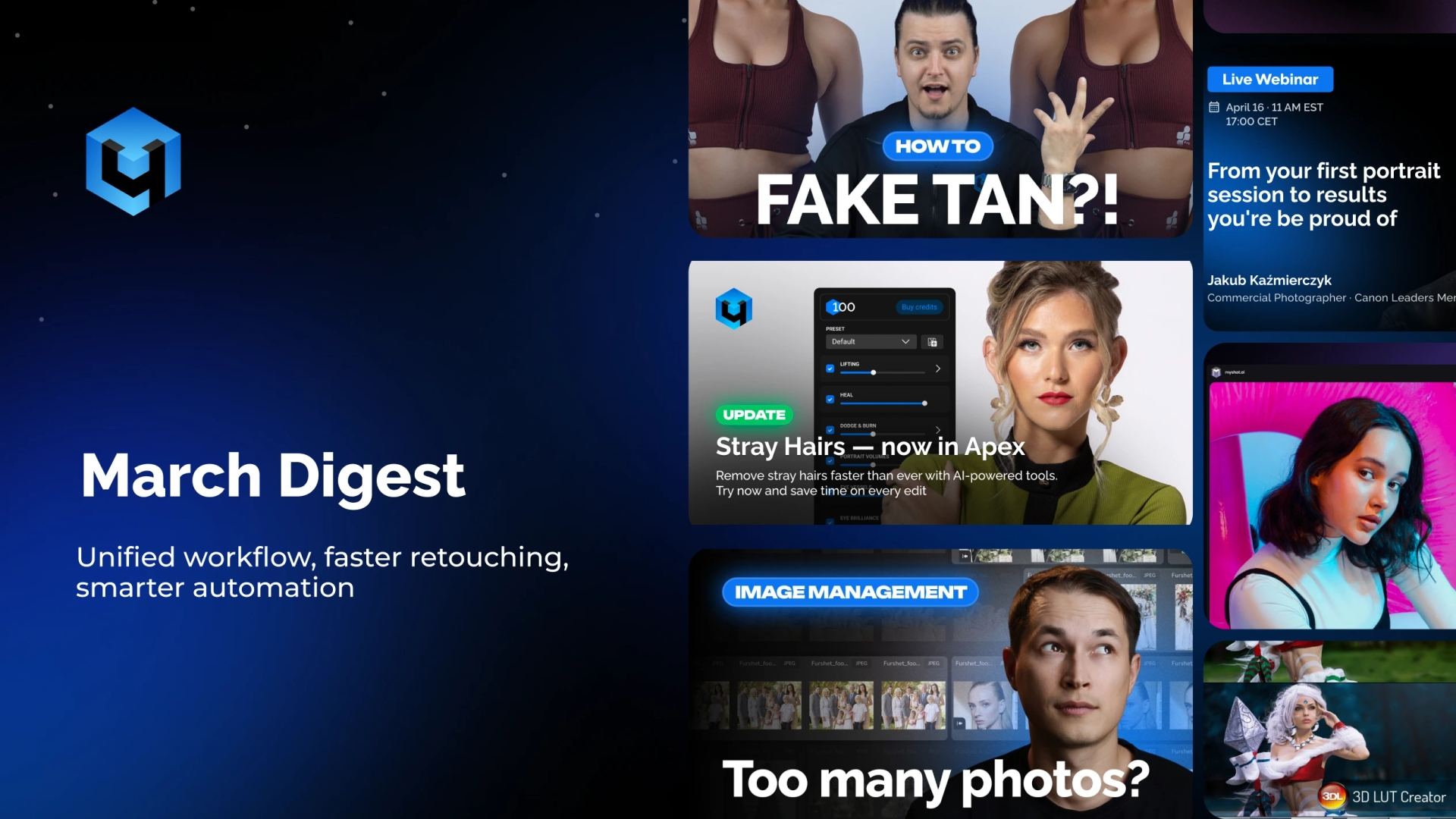
In March, we focused on a single goal: making our tools work together more seamlessly and reducing unnecessary steps in the retouching process. Instead of separate standalone solutions, we are gradually building a unified ecosystem where every stage of editing is faster and more connected.
Below are the key updates, new features, and educational materials from this month.
1. Stray Hairs is now integrated into Apex
The Stray Hairs tool for automatic hair retouching is now part of Apex. This means hair cleanup is no longer a separate step and has become an integrated part of the overall retouching workflow.
Together with existing features such as object removal via Inpaint and intelligent glare reduction in glasses, Apex now covers the full portrait retouching pipeline in a single application.
What this changes in practice:
- Unified workflow: hair retouching now happens alongside skin, teeth, and clothing correction
- Less routine work: no need to switch between multiple tools
- More consistent results: the algorithm removes stray hairs while preserving natural volume and texture
2. MyShot update: automation of basic image processing
MyShot is a cloud service for instant photo transfer and processing during a shoot. It combines camera-to-cloud upload, automatic retouching, and basic color correction.
In this update, we strengthened automation and added tools that handle the initial image balancing process.
What’s new:
- AI color correction: automatic white balance, brightness, and contrast adjustment based on scene analysis
- Tone Mapping: balances exposure while preserving shadow and highlight details, especially useful in challenging lighting conditions
- Automatic watermarks: your logo is now applied automatically when images are uploaded to an album
How to use MyShot in your workflow:
- During a shoot: images are automatically uploaded to the cloud without delay
- For clients: instant access via shareable links, ideal for events, weddings, and reportage work
- For retouching: run Retouch4me processing directly on upload using saved presets
- For organization: structure shoots into folders with access control and collect feedback from clients or teams in one place
Try MyShot
3. New educational content
We have released new tutorials to simplify your workflow and speed up onboarding.
- Arams beginner guide: importing photos, selecting the best shots using AI, and setting up batch retouching
- Natural tan in Photoshop: how to create even skin tone without manual masking, including a free action for automation
4. Announcement: the story of Retouch4me — 6 years of innovation
On April 7, Retouch4me turned 6 years old. To mark the occasion, we are publishing a series of articles sharing, for the first time, the full story of how Retouch4me was built, what technologies we developed along the way, and where we are headed next.
The first part of this story will be published on April 9 in our blog.
This is not a promotional piece, but a detailed look at our journey: the decisions, mistakes, and technical approaches that shaped our products today.
Community feedback
We also received a large number of responses to our survey on the role of AI in photography. You shared what matters most to you in AI retouching, how you envision future tools, and which tasks you would like to automate.
Every response was carefully reviewed. Many of your ideas have already been forwarded to our development team for consideration in upcoming updates.
Thank you for being with us.
Created by photographers for photographers.
The Retouch4me Team