

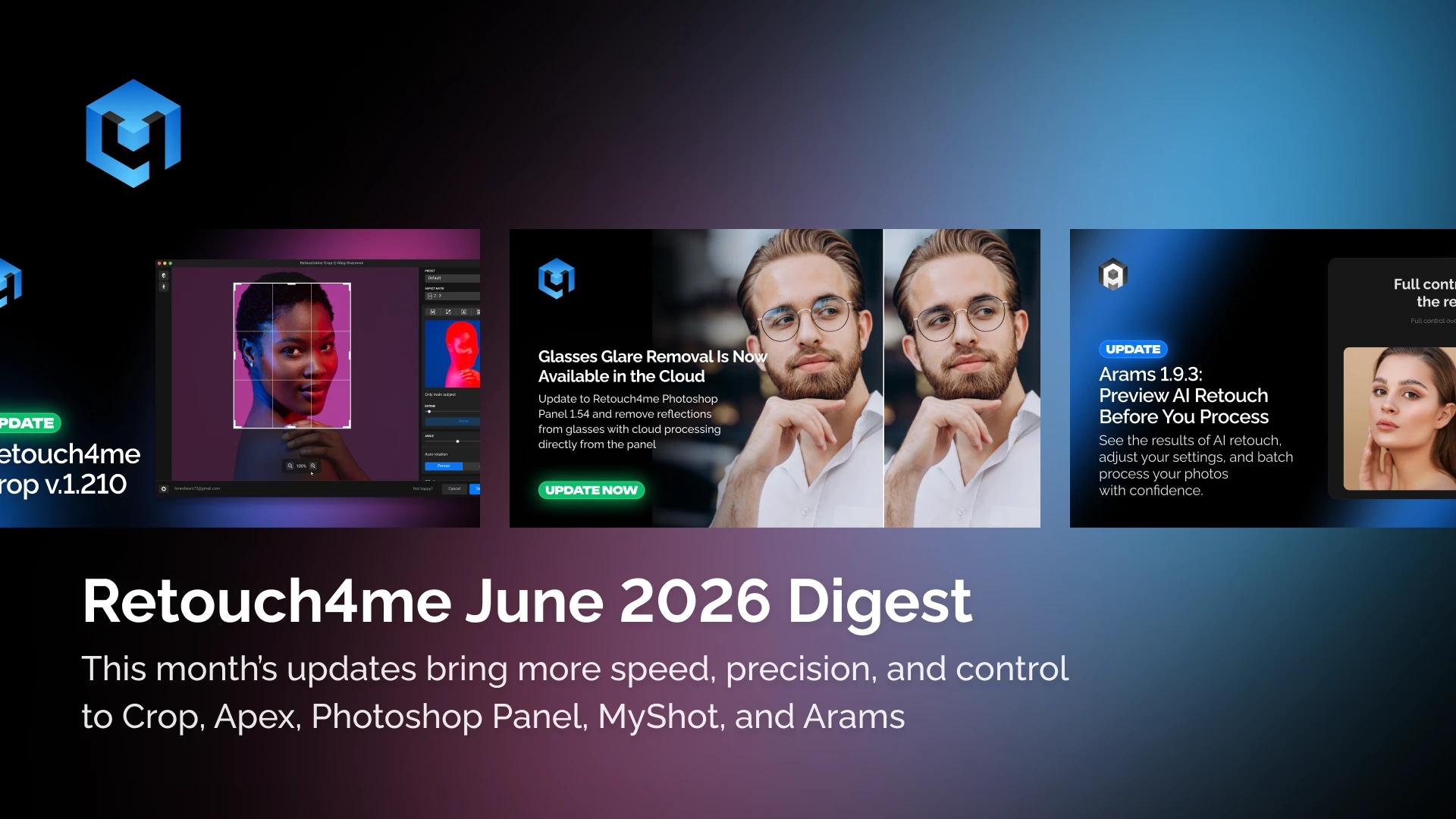
The summer season is in full swing, and every minute counts. This month, we’ve focused on giving you even more control, precision, and speed. We’ve rolled out major updates for Retouch4me Crop and Apex, added highly requested features to the Photoshop Panel, and introduced a preset system to MyShot and a preview function to Arams.
We are also thrilled to announce the release of Retouch4me Mask Anything and the upcoming launch of Retouch4me Lab. Read on to discover all the new features and be sure not to miss our special offer for wedding photographers!
Promo: Wedding Bundle – 25% Off + 5,000 Free Credits!

Peak wedding season is the ultimate test of speed. To help you deliver flawless galleries fast without compromising on quality, we’ve put together a special offer—a professional AI retouching toolkit.
We’ve bundled the tools that cover 90% of a wedding photographer’s workflow: Heal, Dodge & Burn, Skin Tone, and Mattifier.
• Already own one of these plugins? You can purchase the remaining tools from the bundle with the same 25% discount—this offer applies to both the full bundle and individual plugins.
• Bundle Bonus: When you purchase the bundle, you’ll receive 5,000 credits for AI photo culling in Arams absolutely free.
• All in one place: Upload thousands of frames to Arams, use AI to filter out closed eyes and other rejects, and instantly apply the plugins from the bundle to the best shots.
Major Update: Retouch4me Crop v1.210
Watch the video overview—find out why most “rules” of cropping are meant to be intentionally broken to strengthen your visual story. In this video, we break down classic compositional techniques using examples from photography masters and show you how to automate cropping with the Retouch4me Crop AI plugin.
What’s new in Crop:
• Smart Auto-Rotate: The AI now analyzes not just the subject’s position, but the geometry of the entire photo. This allows for instant straightening in product, interior, and wildlife photography.
• New Cropping Modes:
° “Subject”: The AI automatically finds the main element and builds the composition around it.
° “Maximum”: A lifesaver when changing aspect ratios or rotating—the algorithm preserves the maximum possible area of the frame without losing details.
• Face Centering: Automatic horizontal alignment for perfect subject placement in the frame.
• Preset Workflow: Set your parameters once for a shoot and apply them to any number of photos with a single click.
•Edge Control: Added a toggle for working with areas outside the original image boundaries—now you decide how to fill the empty spaces.
Update: Retouch4me Apex v1.210

In this new version, we’ve added tools to automate tedious tasks, expanded format support, and sped up workflows for large file volumes:
• Dust Removal Tool. This feature automatically detects and removes minor defects, spots, and dust. It’s especially useful for scans, archives, and product photography, where manual cleanup takes forever.
• HEIC and HEIF Support on macOS. Files from iPhones and other Apple devices can now be opened directly in Apex without prior conversion.
• More Control in Stray Hairs. The tool now features a brush and eraser for manual mask refinement. You can fine-tune complex areas right in the interface without switching to third-party editors.
• Faster Loading & Stability. Parallel loading for large files and batches is now enabled by default. We’ve also launched a new server region for Eastern Europe and Central Asia to make cloud tools faster and more stable.
Version 1.210 is available for download now. Update Apex to breeze through the routine on your upcoming projects.
Update: Photoshop Panel v1.54

• Glasses Glare Removal in the Cloud. The tool for removing reflections from eyeglass lenses now works in the cloud—fully automated, with no manual touch-ups required.
This feature is a game-changer for those shooting school yearbooks, corporate headshots, weddings, and events—where people wearing glasses are everywhere.
• Automatic Layer Grouping in Photoshop. After cloud processing, your layers no longer pile up in one long list. The Photoshop Panel automatically sorts them into thematic folders: Skin, Product, and Details.
This simplifies navigation in your PSD file, lets you quickly toggle entire groups of adjustments on and off, and makes handing off projects to colleagues or clients much easier.
Version 1.54 is available for download now. Update your Photoshop Panel to speed up portrait workflows and keep your multi-layer documents organized on your very next project.
MyShot Update: Preset System for Auto-Retouching

• Multiple Presets for Different Tasks. You can now create, edit, and delete individual auto-retouching presets—for example, separate setups for weddings, portraits, product shots, or events. When auto-retouching is enabled, simply select the desired preset from the list.
• Lightning-Fast Delivery at Events. A pre-configured preset activates with one click, and photos are automatically processed and pushed to the MyShot gallery almost instantly after the shoot. This is incredibly convenient for events that require instant photo delivery to guests or clients.
Update MyShot to set up your presets once and get consistent, faster results—from the shoot to the final gallery.
Arams 1.9.3 Update

• Preview (Pre-Export).
You can now see exactly how the Frequency Separation, Lab, Stray Hairs, and Face Make tools will process your images before committing. This lets you quickly check the results, tweak settings if needed, and avoid re-processing massive batches (like weddings or school yearbooks).
• UI Improvements.
Version 1.9.3 also includes quality-of-life tweaks that make daily work in the software even smoother. Version 1.9.3 is available now.
Update Arams to confidently process large photo volumes on the first try and deliver finished materials to clients faster.
Coming Soon: Retouch4me Lab — A New Tool for Color Grading and Visual Style

We are preparing to launch Retouch4me Lab—a tool that combines AI color grading, professional color manipulation, and artistic effects into a single workspace. Processing is done locally, with no cloud required.
What Lab can do:
• RAW Development. Basic exposure, white balance, and tonal range adjustments right in the app.
• AI Color Grading. Automated processing with the ability to adjust the strength of the effect and fine-tune the result manually.
• Professional Color Tools. HSL, Curves, Color Matrix, LUTs—a full suite for precise color control.
• Artistic Effects. Halation, Bloom, and Chromatic Aberration with flexible intensity controls to give your frames distinct character.
• Local Adjustments. Linear and radial gradient masks for selective editing of specific areas.
Who it’s for:
• Photographers — to create a signature visual style and a unified mood across a series.
• Retouchers — for quick file prep before detailed retouching and color consistency.
Stay tuned to be the first to try Lab—your new tool for visual styling, artistic editing, and color management.
Follow the news on our blog
Retouch4me Mask Anything — AI Object Masking via Text Prompts

We are ready to release Retouch4me Mask Anything—a new tool for creating object masks using AI.
What Mask Anything can do:
• Text-Based Masking. Type in the name of an object—the plugin finds it in the image and generates a mask. If there are multiple identical objects, you can select the exact one you need. High-
• Precision Mode. Edge refinement for complex and tiny objects, ensuring the mask requires zero manual touch-ups.
• Automation via Actions. Text prompts can be recorded into an Action and used in batch processing scripts for large series.
• Flexible Export. The mask saves as a layer mask or alpha channel in Photoshop, or exports as PNG/TIFF in the Standalone version.
Mask Anything is perfect for photographers and retouchers who need to quickly isolate complex objects without drawing masks by hand.
Educational Materials of the Month
Summer evenings are the perfect time to optimize your workflow. Check out our new tutorials on the YouTube channel:
• Retouch4me Apex: Working with Layers and Automation — A step-by-step breakdown of how to combine multiple AI tools into a single Photoshop workflow, save the result as editable layers, and set up automatic batch processing via Actions.
• Skin Tone: Mastering Skin Tones in Portraits — Why skin tone is the most important color in a portrait, how to fix unnatural or uneven skin, balance warm skin against cool backgrounds, plus manual techniques and AI automation using the Skin Tone and Skin Mask plugins.
International Photo Contests: Partnerships & Prizes from Retouch4me
We continue to partner with international photo competitions and invite you to participate. Winners and runners-up will receive Retouch4me plugins and cloud retouching credits.
• “Minimalism” — Deadline: July 10 (Only 2 days left!)
• “Travel” — Deadline: August 14
• “Portrait” — Deadline: September 11
Prizes: Color Match plugin; in the portrait category, skin retouching plugins.
• Fine Art Portrait Photography Contest — Deadline: July 24
• The Game Of Light – Master The Glow Photo Contest — Deadline: August 28
Prizes: Cloud retouching credits for winners and runners-up.
The Motif Collective
• Portrait Photography Competition — Deadline: August 7
Prizes: Plugins for the winner and runners-up.
Vincent van Gogh Photo Award 2027
• “Spirit of light” (in the eyes of van Gogh) — Deadline: September 30 (Early bird entries)
Prizes: Skin retouching plugins for winners in both the main and student categories.
Monte Carlo Photo Contest 2026
• Categories: Glamour & Beauty, World in Focus, Landscape, Free Theme — Submissions open until October 4.
Prizes: 2 plugins for winners and runners-up + 1,000 cloud retouches.
Share & Earn: Our Affiliate Program
Have you ever told a friend “you have to try Retouch4me”?
Join our partner program and earn up to $40 every time a friend uses your promo code. Simple: register, create your referral link, and share it with friends.
Thank you for trusting us to automate your workflow. May this busy season bring you joy in your creativity, rather than just hours behind the monitor!
Created by photographers, for photographers.
The Retouch4me Team