

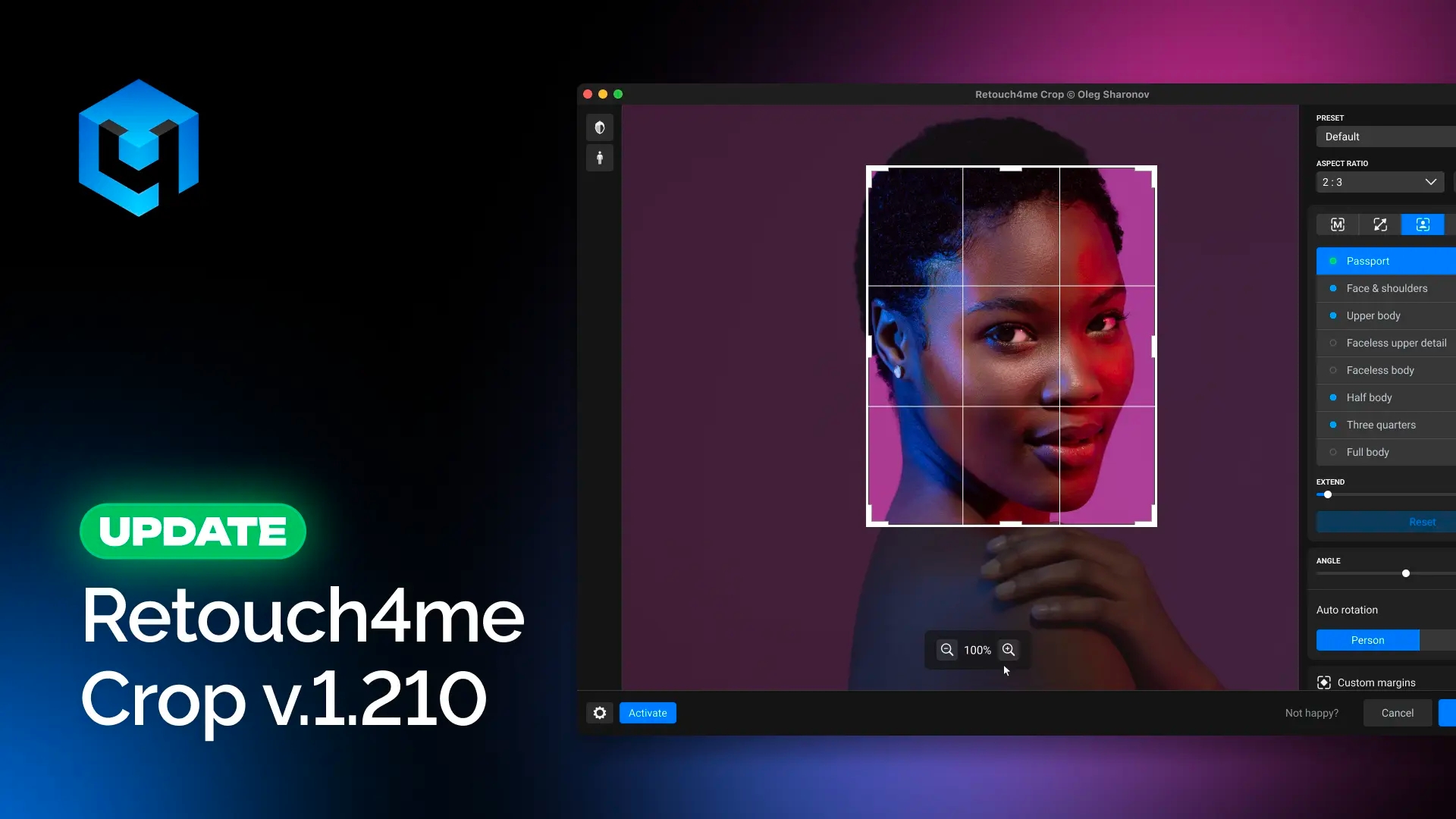
Retouch4me Crop received a major update with new cropping modes, improved AI analysis, and additional settings designed to help you get clean results faster with fewer manual adjustments.
Smarter AI Auto Rotation
Previously, automatic rotation relied only on detecting a person in the frame. Now AI analyzes the entire image and can automatically determine the correct rotation angle even when the main subject is not a person.
This makes it easier to straighten product photos, animals, interior shots, and many other types of images.
New Cropping Modes
Retouch4me Crop now includes two new modes:
Object
AI automatically detects the main subject in the image and builds the crop around it.
This mode works well across different photography styles when you need to quickly focus attention on the most important part of the image.
Maximum
The new mode helps preserve the largest possible image area during automatic cropping.
It is especially useful when rotating an image or changing the aspect ratio. For example, if you need to convert a photo to a 3:4 format and slightly straighten the horizon manually or using AI Auto Rotation, the mode helps keep the crop area as large as possible without requiring manual adjustments.
Horizontal Face Centering
A new horizontal face-centering option has been added for Fixed and Auto modes.
This helps create cleaner compositions faster with fewer manual corrections.
Presets for Faster Workflows
You can now save and use presets.
If you regularly work with repeating shooting formats, there is no need to reconfigure settings for every new batch of photos.
Crop Outside Image Boundaries
A separate “Crop Outside Image Boundaries” toggle has been added (except in Manual mode).
If the crop area extends beyond the original image:
• in Photoshop, empty areas will be filled with transparency
• in the standalone application, images will be saved using boundary extension, the same way previous versions worked
This gives you more control over the final result and allows you to choose the workflow that works best for you.
Additional Improvements
This update also includes:
• website-based authorization
• bug fixes
• additional stability improvements
Update Retouch4me Crop to version 1.210 and try the new features in your workflow.