

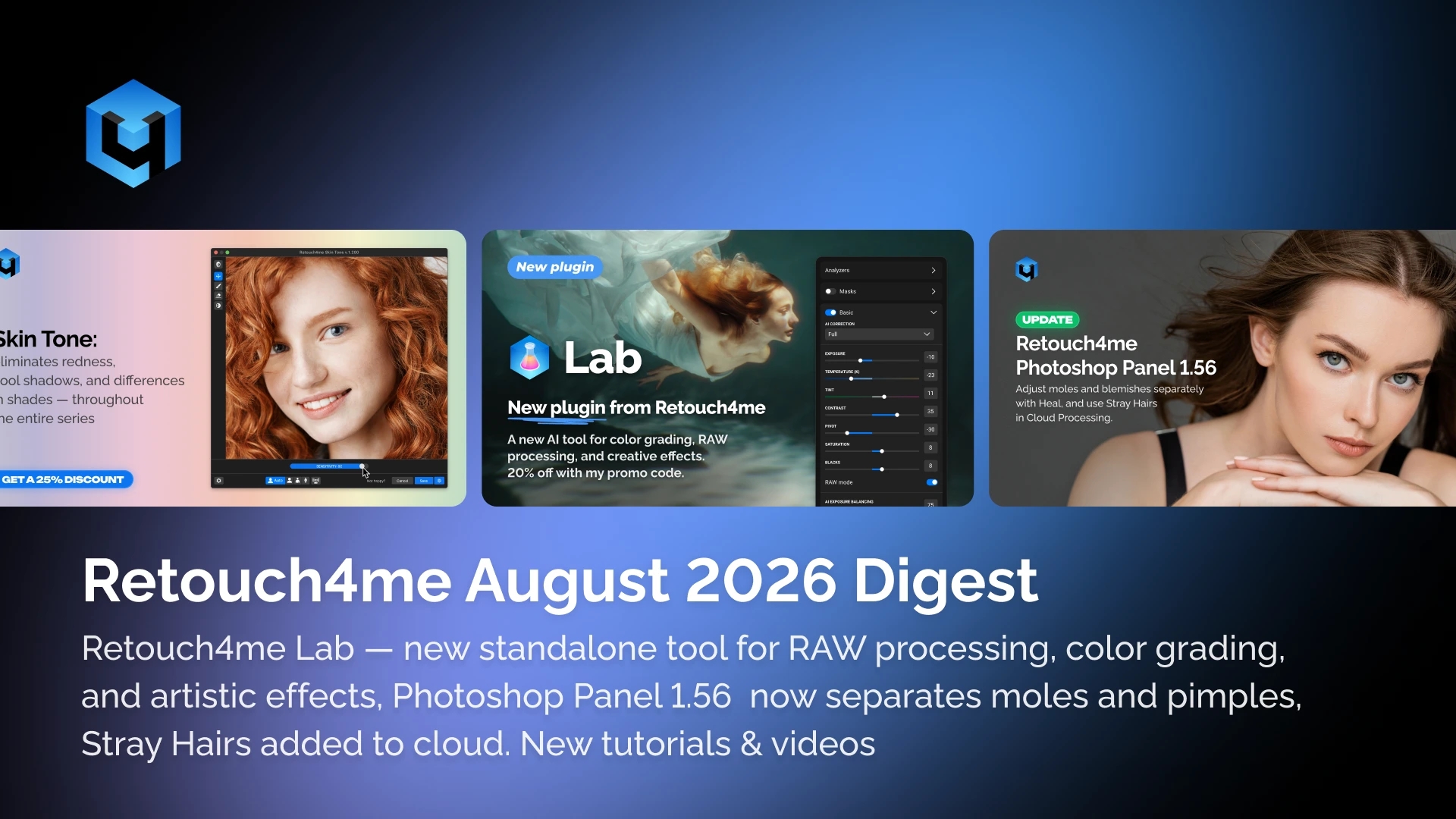
Here’s a quick overview of everything that happened in August:
— Retouch4me Lab — new standalone tool for RAW processing, color grading, and artistic effects
— Photoshop Panel 1.56 — Heal now separates moles and pimples, Stray Hairs added to cloud
— New tutorials & partner videos — fresh content from our team and partners
— Affiliate program — share discounts with colleagues and earn from every referral
New Product: Retouch4me Lab — Your Visual Style from RAW to Final Look
Lab is a new standalone tool where AI color grading, professional color management tools (HSL, Curves, Color Matrix, LUT) and artistic effects — Halation, Bloom, Chromatic Aberration — are combined in one workspace.
Processing happens locally, without the cloud. Works with both RAW files and ready-made images. Full control over every change — at any stage.
Who it’s for:
— Photographers who want to develop a recognizable visual style without lengthy manual adjustments
— Retouchers who need a predictable color base before retouching
— Anyone who shoots series and wants a unified mood across the entire shoot
Lab is a tool for creating a visual style: with AI assistance, but under your full control. Try it — and make it your own.
Photoshop Panel 1.56 — More Control Over Cloud Retouching

Version 1.56 introduces two new tools for cloud processing — both designed to give you more precision without extra manual work.
Heal Now Separates Moles and Pimples: When using Heal in the cloud, moles and pimples are now processed as separate retouching types. You can remove or reduce pimples while keeping moles, or adjust them independently — much more precisely than before.
Stray Hairs Is Now Available in the Cloud: The stray hair removal tool has been added to the cloud workflow. It automatically detects and removes stray hairs — portraits become neat without manually retouching each individual hair.
Less manual work, more consistent results — especially when processing large portrait series.
Reminder: special prices on annual subscriptions are currently available
All neural networks — in one subscription. The full arsenal of Retouch4me: skin processing, portrait retouching, hair, background, and details. Switch without additional purchases.
Flexibility. Credits accumulate and don’t expire for 5 years (while the subscription is active). All computing happens on our servers — your computer stays free.
Smart selection. AI helps you pick the best shots from a series — no time wasted on technical culling.
100 GB in MyShot. Reliable cloud storage for all your sessions.
MyShot — Online Retouching in the Browser, Galleries for Clients

No need to download new software. MyShot is a full-featured photo editing tool right in your browser. Upload, process, send your client a link — they open the gallery, mark their favorite shots, and you see their selection instantly.
How it works:
Upload. Send originals directly to MyShot — no intermediate folders or imports.
AI Processing. The system automatically color grades and retouches, preserving naturalness. Want your own style? Refine the result manually once and save as a preset.
Editing. Manual crop for precise composition. Batch apply — apply a preset to one photo and use it on the entire series with one click. Hundreds of frames ready in minutes.
Instant Client Access. The client gets a link to an elegant gallery with your branding and can mark their favorite shots.
Tutorials, Partner Videos & Press
Press: Profifoto (Germany)
An article about Retouch4me was published on profifoto.de — one of Germany’s leading photography publications. The authors view Retouch4me as a tool that works alongside the photographer, not instead of them: intelligent retouching that respects the original image.
Partner Videos
Two photographers from our partner community showed their process as it really is — honest and practical:
Lee Iveson solves 5 common portrait retouching problems in Photoshop — skin blemishes, wrinkled clothing, flat lighting, and inconsistent series color — in a few clicks without losing texture.
Kyle Kong — on three principles that change the approach to retouching: the physics of light, working with backgrounds, and facial anatomy. No focus on tools — just understanding the fundamentals.
Video From Our Team
How to shoot events professionally: 5 shot types, flash work, lens selection — and how to quickly process hundreds of portraits using Retouch4me Apex.
Alina Sky — how to set up Sony so the shot is ready straight from the camera, and how to use MyShot for fast professional series retouching.
Retouch4me developer Dmitry — the complete delivery process: export to MyShot, public albums, and the guest contact form that turns a delivery link into a source of new clients.
Subscribe to the Retouch4me YouTube Channel →
Give Colleagues a 20% Discount — and Earn From It
A referral link is created in a couple of clicks. Your audience buys with a 20% discount, and you earn $1 per registration and 15% per purchase through your link or promo code.
If you want to share knowledge with a wider audience — write to partners@retouch4.me. That’s exactly how the partner photographers whose videos you saw above joined us.