

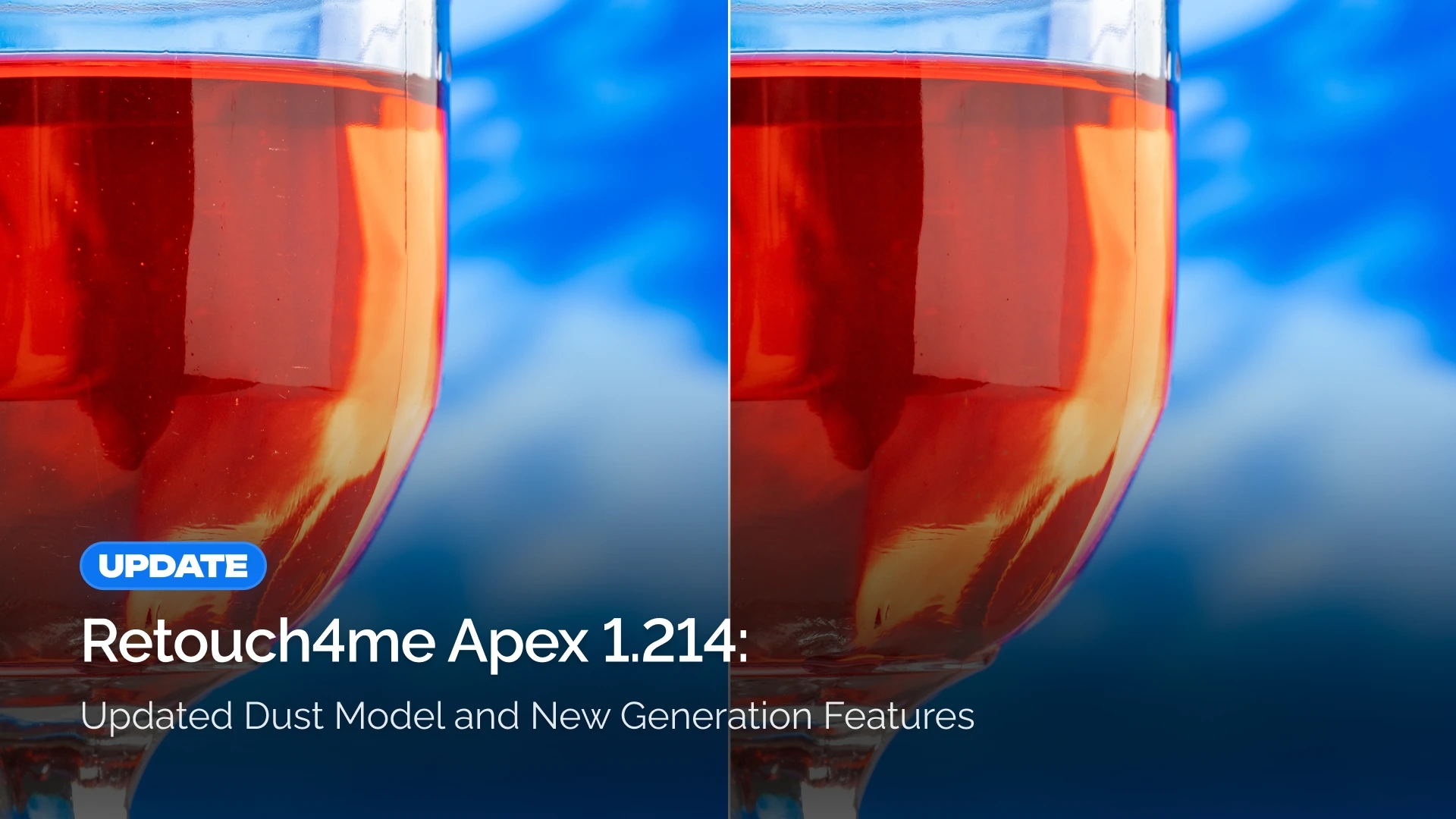
The latest Retouch4me Apex update brings improvements to Dust and Generation, making photo retouching more convenient and giving you greater flexibility when working with generated results.
Updated Dust Model
Retouch4me Apex now features the latest Dust model, the same version used in the Retouch4me Dust 1.212 plugin.
New Generation Features
Generation comes with several improvements to make the editing process more flexible:
- New prompts: Additional prompts are available for generating image variations.
- Brush area highlighting: The area you paint over is now filled with color, making the selected region easier to see. Hold Ctrl on Windows or Cmd on macOS to disable the fill.
- Larger brush size: The maximum brush size has been increased.
- Photoshop selection transfer: You can now transfer a selection from Photoshop directly into Generation and use it as a mask.
- Delete individual generations: Remove unwanted generated results individually or delete the entire Generation layer.
Other Improvements
A new update button takes you directly to the Apex page in your account, where you can access the latest version.
The update also includes bug fixes.
Update Retouch4me Apex
Update Apex to version 1.214 to use the latest Dust model and explore the improved Generation tools.