

Chapter 3: The Experiment That Changed Everything
2017–2020: Two years of deep learning and the birth of Retouch4me’s first AI retouching plugin built for photographers

Oleg had cracked the color problem. The tools worked, and photographers were gradually adopting them. But he kept noticing what happened next.
What was still broken
Once the grade was done, portrait retouching still meant hours of manual labor: removing blemishes, healing skin, dodging and burning, cleaning backgrounds. For Oleg and Vitaly — and for hundreds of thousands of photographers — nothing had changed. Automated tools existed, but none of them brought reliable results. They often blurred details or damaged natural texture, forcing more cleanup than they saved.“The programs for automated retouching back then would ruin images by blurring them or altering the original skin texture,” Oleg recalled.
Mastering the neural networks
Classical algorithms hit a hard limit — skin has too much natural variation and context. The only path forward was something that could learn — the way a professional retoucher learns — by actually seeing the difference.
So Oleg enrolled in a deep learning program. For two years — nights, weekends, alongside a software company he was still running — he studied neural networks, training pipelines, and how machines learn to see. He was a photographer who refused to accept that this problem couldn’t be solved.
What if AI could learn to see skin?
The first test was deliberately modest: train a network to spot skin blemishes, then let Photoshop handle the removal. It worked — imperfectly at first, but in ways rule-based tools never had. The neural network learned to recognize what was skin, what was blemish, and what the difference between them looked like.
From there, the first guiding principle appeared: the result had to preserve the original skin texture. A skilled retoucher maintains micro-detail through careful frequency separation and blending. If the AI couldn’t do the same, the output would make a human appear like a doll with ideal plastic skin.
Training data came from professionally retouched images — real work by real photographers and retouchers. That choice became the foundation for every Retouch4me model that followed.
The birth of Heal: July 30, 2020

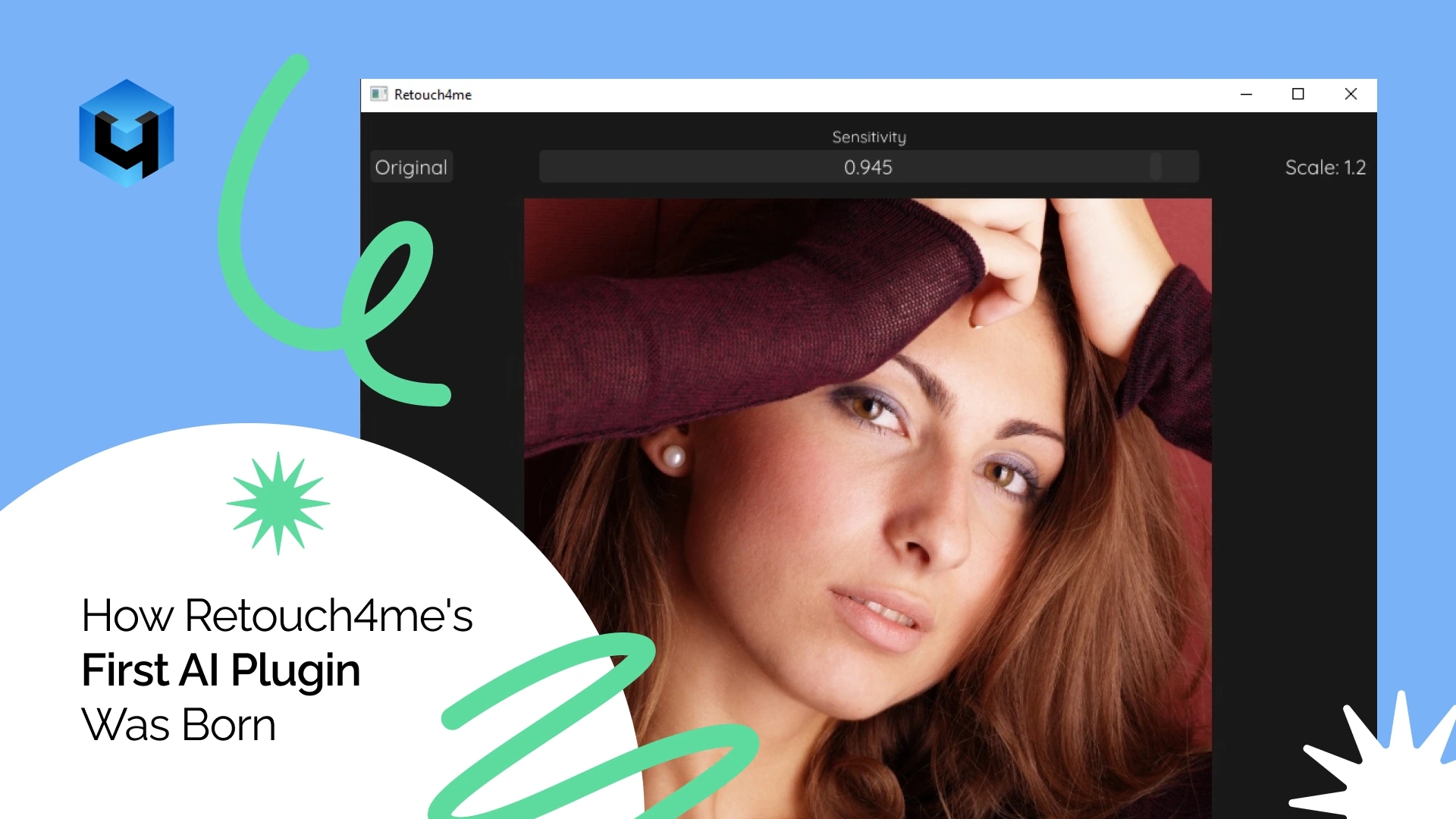
The result was an AI-based plugin called Heal. It did a very simple task: one-click skin blemish removal that delivered natural results as a separate, fully adjustable layer in Photoshop. It was one of the first AI plugins built specifically for professional photography — not adapted from a general image-processing tool, but designed from scratch for how professional human retouchers actually edit images.
Photographers who had done this work by hand immediately recognized its value. Here was a tool that could lift the most repetitive part of portrait work without creating new problems in the process. But before Heal even launched, Oleg was already thinking about the next unsolved problem in every photographer’s workflow.
Since 2019, he had been building training data for something considerably harder: teaching neural networks to recognize a photograph that couldn’t be saved — with closed eyes, blur, unflattering angles, duplicates, or lighting that simply feels off. He gathered the examples from his own photography, going through shoot after shoot and cataloguing what the algorithm would need to learn to notice — then expanding that list of features as new edge cases appeared. The work would take years, and it would eventually become the all-in-one AI editor Arams.
One plugin proved the experiment was working, but turning just one product into a company would require the right partnership.