

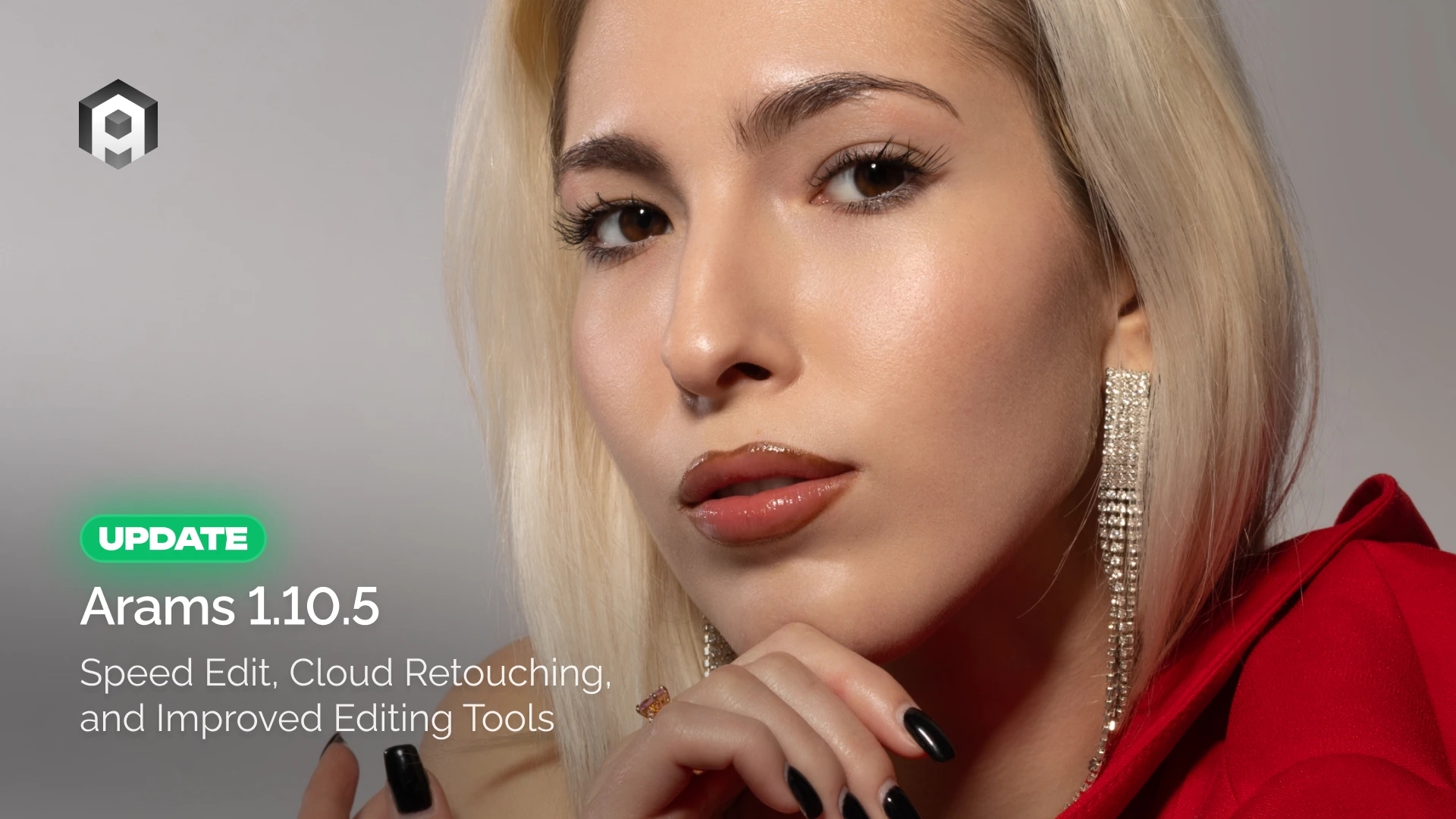
Arams 1.10.5 brings new tools and improvements designed to speed up photo editing and make cloud retouching more convenient. The update introduces Speed Edit for keyboard-based color adjustments, adds Stray Hairs to cloud retouching, and expands the Heal settings.
Speed Edit: Adjust Color Faster
Speed Edit lets you control color correction settings using keyboard shortcuts. This helps speed up the editing process and makes it easier to fine-tune images, especially when working with large photo series.
Cloud-Based Stray Hairs
Stray Hairs is now part of Arams’ cloud retouching tools. It helps remove flyaway hairs and refine the outline of a hairstyle as part of your photo editing workflow.
Heal: Control Mole and Bindi Preservation
The cloud-based Heal tool in Arams now includes a slider that lets you adjust how strongly it affects moles and bindis. This gives you more control over the retouching result and helps preserve distinctive facial features.
One Preset Library for Arams and MyShot
Arams and MyShot now share a unified preset list. This makes it easier to work with your settings and access the same preset library across both products.
Improved Cropping and Rotation
The cropping and rotation tools have been improved to make basic image adjustments more convenient during editing.
Easier Access to Release Notes and Retouch Settings
Release notes are now available before installing an update. You can review the changes in advance and see what to expect from the new version.
The gender-based retouching settings have also been refined. The Men and Women tabs now display only the tools that support separate retouching settings for male and female faces.
Arams 1.10.5 also includes bug fixes and user interface improvements.
Update to Arams 1.10.5
Speed Edit, cloud-based Stray Hairs, expanded Heal settings, and a shared preset library make everyday photo editing more convenient and efficient.
Update Arams to version 1.10.5 and try the new features on your next shoot.